


Annual examinations require careful planning, especially when schools use computers for digital assessments, online tests, student registration, or computer based examinations. Having enough reliable devices is essential to keep the examination process organised and avoid unnecessary delays. Choosing Laptop rental in Dubai can help schools arrange the equipment they need without purchasing a large number of laptops for a short examination period.
At Tech in Motion, we provide technology rental solutions for organisations that need dependable equipment for specific events and operational requirements. Our rental services include laptops, iPads, printers, scanners, monitors, networking equipment, and other technology. For schools preparing for annual examinations, selecting the right equipment and arranging it well in advance can make a significant difference to the examination experience.
Assess the Number of Laptops Required
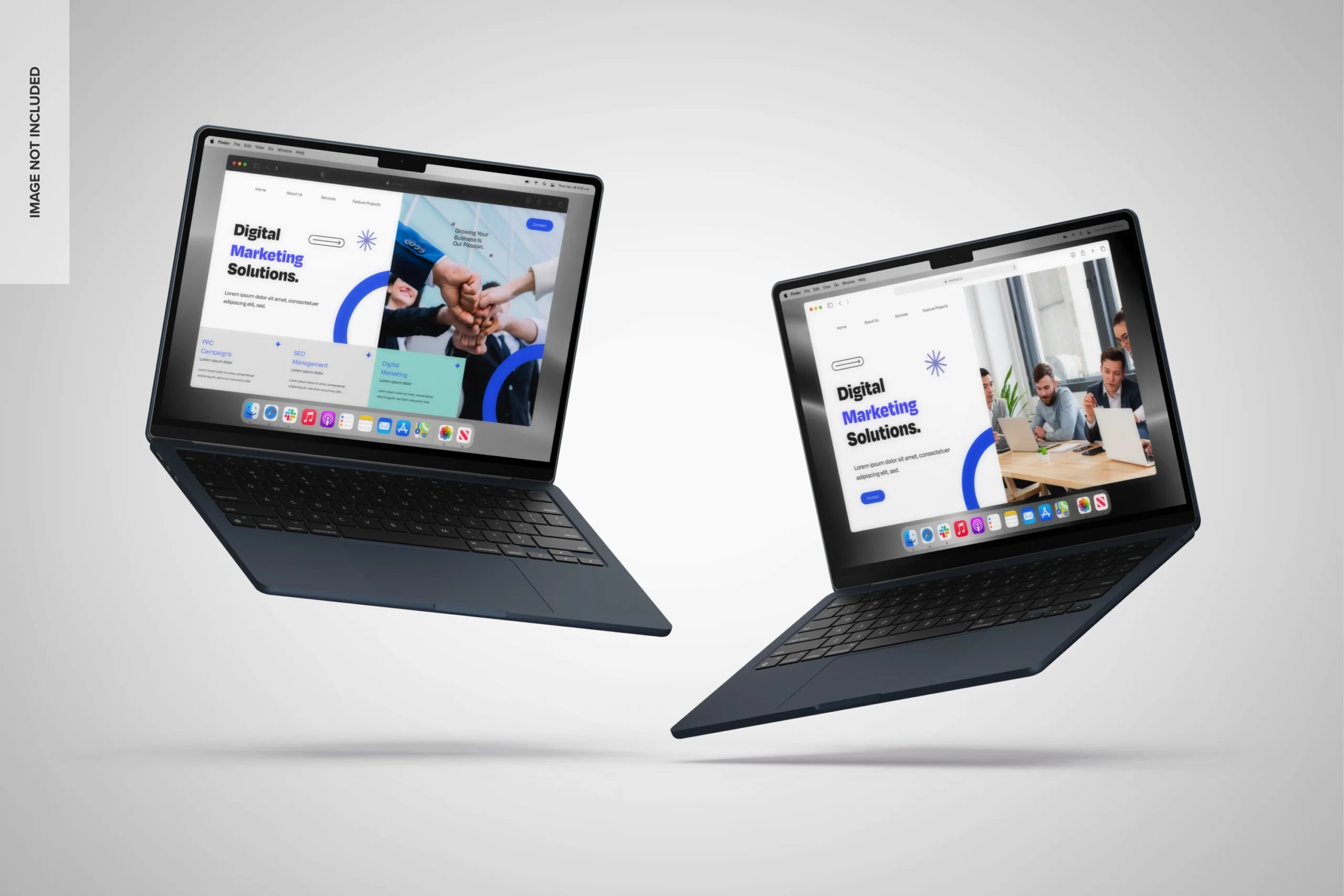
Before arranging laptop rentals, schools should calculate how many students will take examinations at the same time. The total requirement depends on the number of examination halls, student batches, examination schedules, and whether different classes will use the devices in separate sessions.
It is also worth considering a few additional devices for unexpected technical issues. Having backup laptops available can help examination coordinators respond quickly if a device stops working or develops a problem during a test.
A clear equipment list makes it easier to plan the rental requirements and coordinate delivery before the examination period begins.
Check Laptop Specifications and Compatibility
Not every examination requires the same level of computing power. Schools conducting basic online assessments may need standard laptops, while examinations involving specialised software or multimedia content may require different specifications.
Before confirming a rental, schools should check the processor, memory, storage, operating system, battery condition, and available connectivity. The laptops must also support the examination platform and any applications used by the school.
At Tech in Motion, our rental range includes devices such as the Lenovo ThinkPad T14. Schools can discuss their requirements with our team to identify suitable equipment for their planned examination setup.
Prioritise Testing Before Examination Day

A laptop that works properly during preparation can still encounter problems if it has not been checked under the actual examination conditions. Schools should test the devices before students begin their assessments.
The preparation process should include checking power connections, WiFi access, keyboards, screens, charging equipment, and required applications. Schools should also confirm that examination software opens correctly and that students can access the appropriate test environment.
Testing the laptops in advance gives staff time to identify compatibility issues and resolve them before the examination schedule begins. It is also helpful to conduct a trial session using the same setup planned for the actual examination.
Plan Internet Connectivity and Power Access
For online examinations, a reliable network connection is just as important as the laptops themselves. Schools should assess the internet capacity available in each examination room and determine whether it can support all devices simultaneously.
WiFi coverage should be checked across the entire examination area, including rooms located away from the main router. Schools should also consider what will happen if the connection becomes unstable during a test and establish a clear procedure for handling interruptions.
Power access requires similar attention. Examination coordinators should confirm the availability of suitable sockets, charging points, and safe cable arrangements. If students will complete longer assessments, battery performance and access to power become particularly important.
Tech in Motion also offers WiFi and networking equipment, allowing schools to discuss their connectivity requirements alongside their laptop rental needs.
Consider Technical Support and Equipment Management
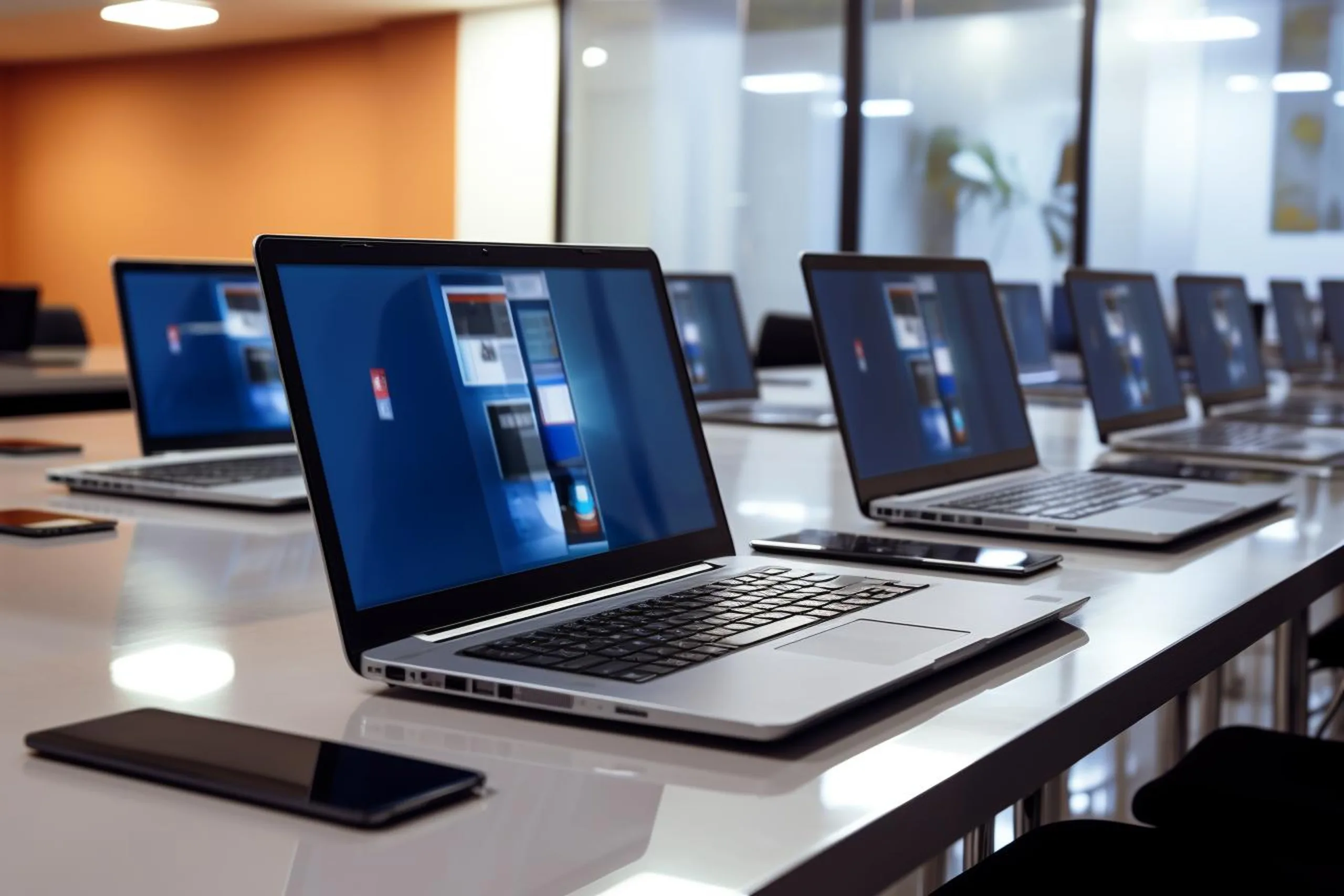
Managing several dozen or even hundreds of laptops can place additional pressure on a school’s IT team. Staff may need to handle setup, software checks, connectivity problems, and equipment distribution while examination coordinators focus on students and examination rules.
For this reason, schools should clarify the support available from their rental provider. Ask about device preparation, configuration, delivery schedules, troubleshooting arrangements, and assistance if equipment develops a problem.
At Tech in Motion, we prepare and test rental equipment for its intended use, with configuration options based on customer requirements. Our on site technical support services can also help with equipment setup and troubleshooting, subject to the agreed requirements and availability. This gives schools an option to arrange additional technical assistance when managing a large examination setup.
Protect Student Data and Maintain Examination Security
Schools should treat device security as an essential part of examination planning. Before the laptops are distributed, the IT team should ensure that the necessary examination applications are installed and that students have access only to the resources permitted during the test.
Schools should also confirm how temporary user accounts, saved files, browsing data, and examination information will be handled. Any sensitive student information should be managed according to the school’s data protection procedures.
After the examinations, devices should be collected systematically, checked for damage, and cleared of school data using an approved process. Rental arrangements should clearly establish responsibilities for device handling, reporting faults, and returning the equipment.
Arrange Delivery and Collection in Advance
Timing is especially important when examinations involve multiple classrooms or student batches. Schools should confirm the delivery date, equipment quantity, required accessories, setup arrangements, and collection schedule with their rental provider.
Receiving the laptops early enough for testing reduces the pressure on school staff immediately before examinations. A distribution plan can also help ensure that each classroom receives the correct number of devices, chargers, and any other required equipment.
At Tech in Motion, we support technology rental requirements across Dubai and the UAE, with solutions designed around the practical needs of organisations. Our range of laptops, printers, scanners, monitors, and networking equipment allows schools to discuss related technology requirements with one provider.
Choose a Laptop Rental Partner That Understands Your Requirements

A successful examination program depends on preparation, suitable equipment, reliable connectivity, and a clear plan for technical issues. Schools should choose a rental partner that understands their schedule, device requirements, and support expectations before confirming an order.
At Tech in Motion, we help organisations identify suitable technology for their operational needs through professionally prepared rental equipment and practical support options. If your school is planning annual examinations, our Laptop rental in Dubai service can help you arrange the devices needed for your examination sessions. Contact us to discuss your student numbers, examination dates, technical requirements, and delivery schedule. Our team will help you explore suitable equipment and request a rental quotation for your school.
Can schools rent laptops for annual examination programs in Dubai?
Yes. Schools can rent laptops for annual examinations, online assessments, and other temporary academic requirements. The number of devices and rental duration can be planned according to the examination schedule.
What should schools check before renting laptops?
Schools should check laptop specifications, operating system compatibility, internet connectivity, battery condition, required software, and the availability of technical support.
Can Tech in Motion provide networking equipment along with laptops?
Yes. Tech in Motion offers WiFi and networking equipment alongside laptops, printers, scanners, monitors, and other technology rental options.
Does Tech in Motion offer technical support for rented equipment?
Yes. Tech in Motion provides on site technical support for equipment setup, configuration, monitoring, and troubleshooting, depending on the agreed service requirements.
How can schools arrange laptop rental in Dubai with Tech in Motion?
Contact us Tech in Motion at to discuss your examination schedule, equipment requirements, and rental arrangements. Our team can help you explore a suitable solution for your school.