
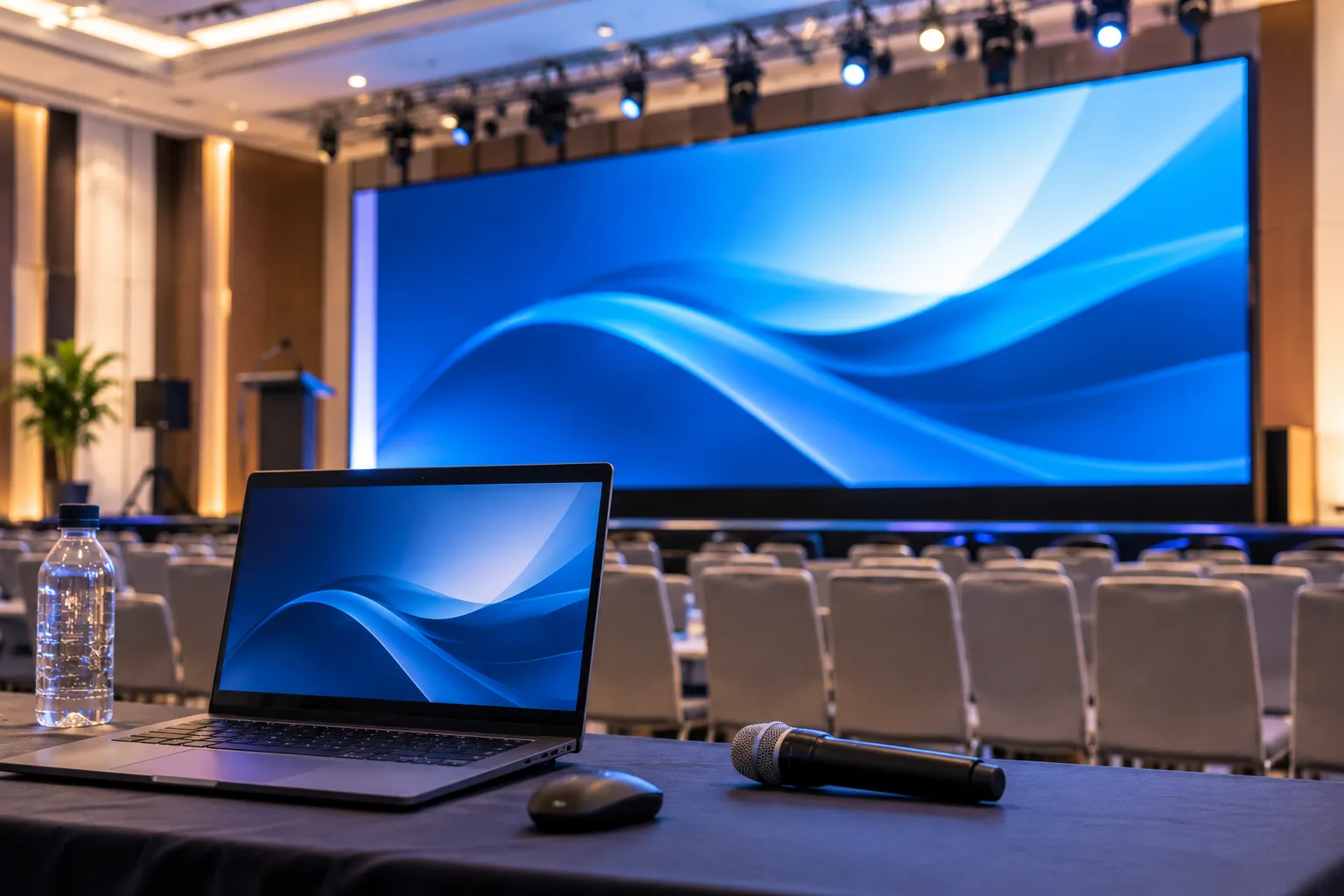

Large LED screens can make a conference, exhibition, product launch, or corporate event more engaging. However, the quality of the display depends on more than the screen itself. Videos, presentation slides, images, and graphics must be prepared to suit the screen size, resolution, and viewing distance. When planning an event, choosing the right led panel rental in Dubai and preparing content in advance can help create a clear, professional visual experience for the audience.
At Tech in Motion, we support event organisers, exhibition companies, and corporate teams across Dubai and the UAE with event technology rental and technical support. We understand that every detail matters when a screen is being used to present important information, showcase a brand, or support a live event.
Understand the Screen Size and Resolution
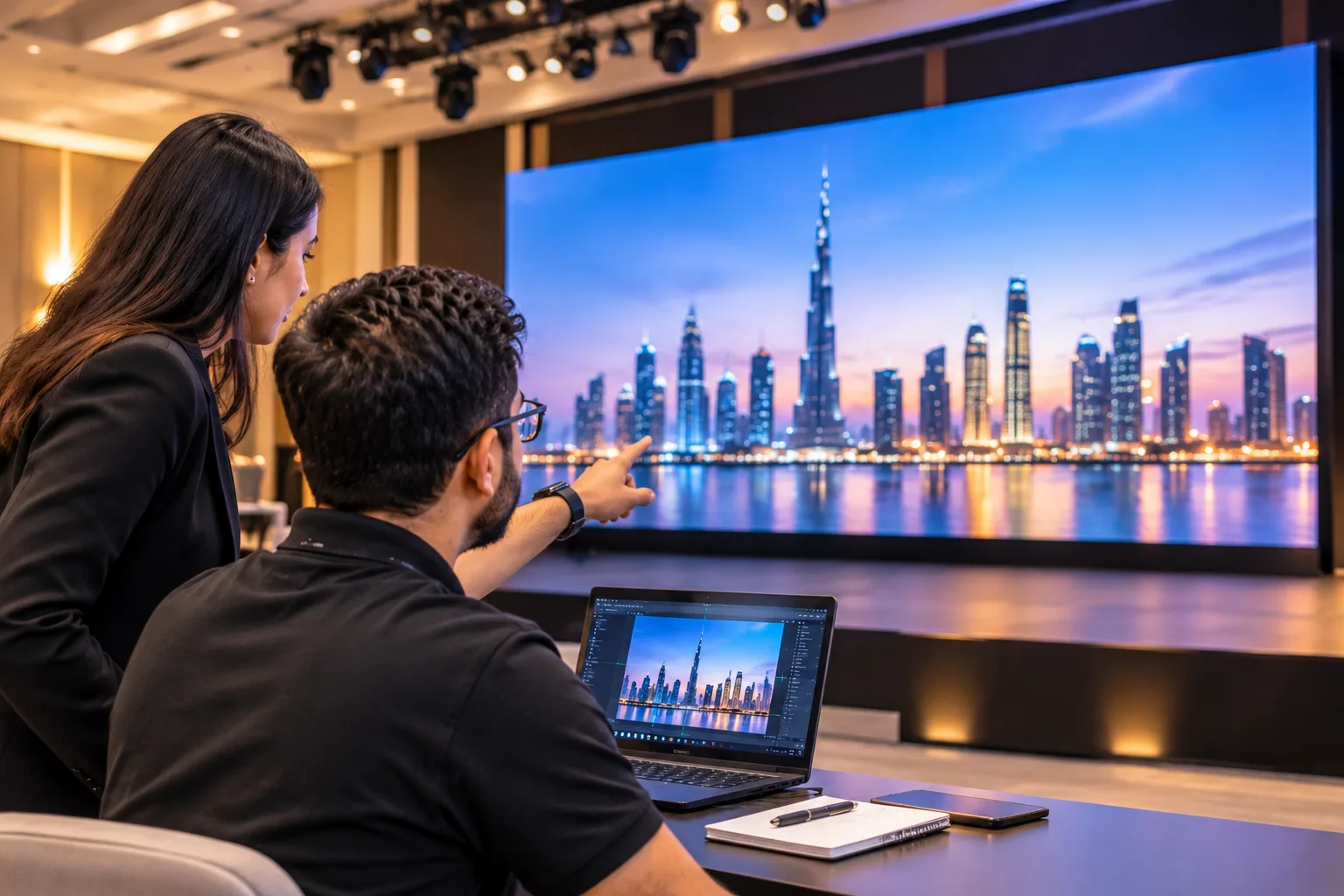
Before creating presentation slides or exporting videos, confirm the dimensions and resolution of the LED screen. Large screens come in different configurations, and content that looks good on a laptop may not display correctly on a large video wall.
Ask the technical team for the screen’s native resolution, aspect ratio, and content requirements. This information helps designers prepare files that fit the display without stretching, cropping, or losing important details.
For example, a presentation designed for a standard widescreen display may need adjustments when shown across a wider stage backdrop. Confirming the screen specifications early also gives your design team enough time to make the necessary changes.
Keep Presentation Slides Simple and Readable
A large LED screen is often viewed from a considerable distance. Small text, crowded slides, and complicated charts can make information difficult to follow, even when the display itself is clear.
Use large fonts, short sentences, and strong visual contrast. Each slide should communicate one main idea rather than trying to include every detail. If a presentation contains statistics, graphs, or product information, make sure the important figures remain easy to read from the back of the venue.
Avoid placing essential text too close to the edges. Depending on the screen layout and content processing, some areas may not appear exactly as expected. Leaving enough space around headings, logos, and other important elements makes the presentation easier to view.
Export Videos in the Correct Format
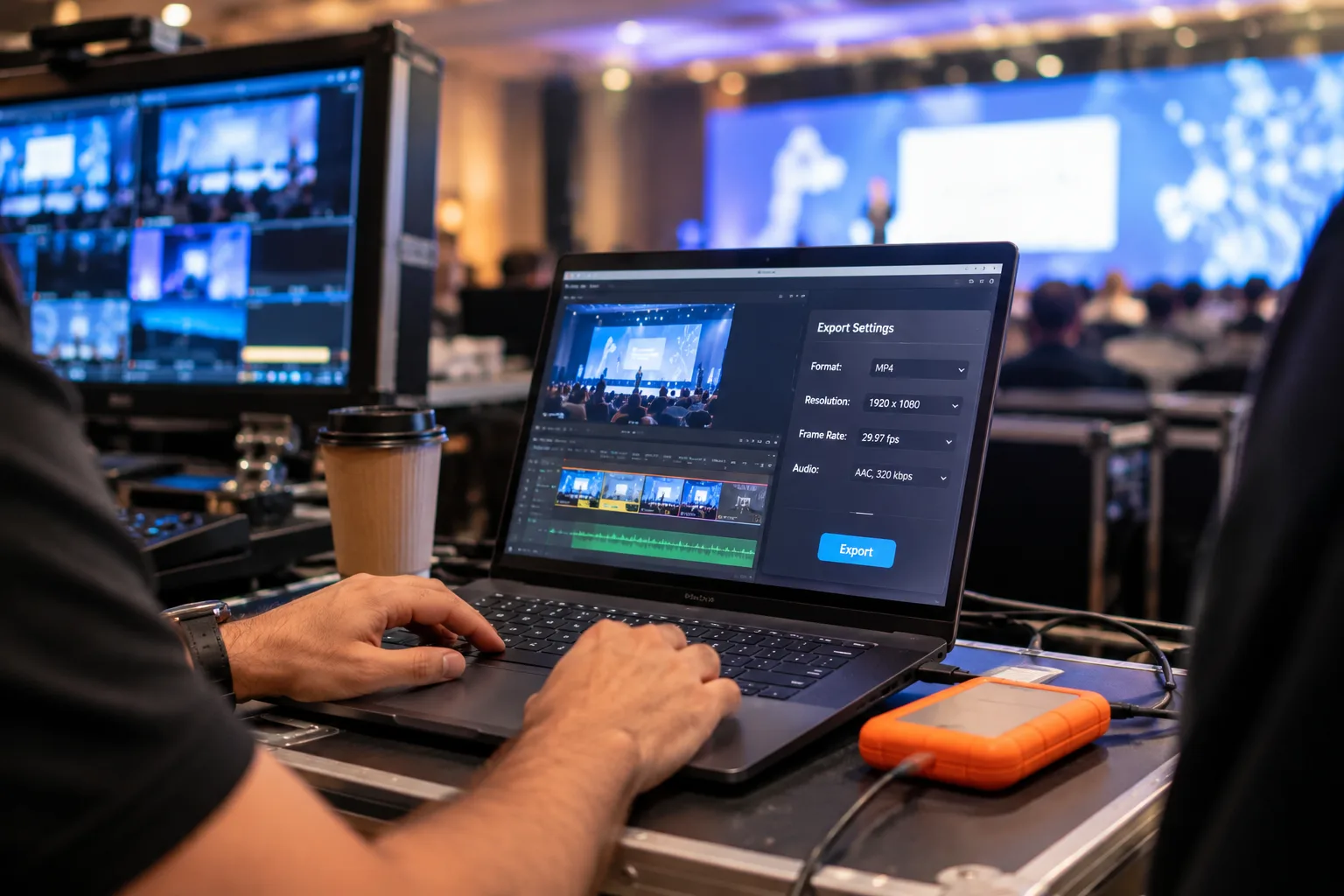
Video content requires particular attention when preparing it for a large display. A file that plays smoothly on a personal computer may behave differently when connected to event playback equipment.
Confirm the supported file formats, resolution, frame rate, and audio requirements with the technical team. Export videos using the agreed specifications and test the final files on suitable playback equipment before the event.
Avoid relying on online streaming during an important presentation unless the setup has been planned and tested for it. Keeping approved video files available locally can reduce dependence on internet connectivity. It is also sensible to carry a backup copy on a separate device.
Match Content to the Audience and Event
The purpose of the event should influence how the screen content is designed. A corporate conference may require presentation slides, speaker names, charts, and supporting videos. An exhibition booth may benefit from product demonstrations, brand visuals, and short promotional clips that attract visitors throughout the day.
For product launches, visual content should highlight the product without overwhelming the audience with text. For training sessions, clarity and readability should take priority over decorative effects.
Keep transitions consistent and avoid excessive animation. Unnecessary movement can distract viewers, while complicated effects may create playback issues. A well organised sequence of visuals helps the audience follow the event without confusion.
Test Every File Before the Event
Content testing should happen before the event begins, not while guests are waiting. Play every video, open each presentation, and check the order of all files. Review colours, text size, image quality, transitions, and video playback on the actual display whenever possible.
If several presenters are involved, collect their final files early and confirm that each presentation opens correctly. Use clear file names and keep them organised in the order they will be shown.
Prepare a backup presentation and video files in advance. Check that the playback computer has the required software, compatible connections, and sufficient storage. These simple checks can help avoid last minute interruptions.
Choose the Right LED Screen Rental Partner
Content preparation and display equipment need to work together. The screen configuration, installation, playback system, and technical support all contribute to the final result.
At Tech in Motion, we provide event technology rental solutions for conferences, exhibitions, corporate events, product launches, and brand activations across Dubai and the UAE. Our LED panel rental solutions include tested panels, suitable structural support, delivery, setup, and on site technical assistance according to the event requirements. Our wider rental range also includes AV screens, monitors, projectors, digital kiosks, laptops, iPads, and networking equipment.
Our project portfolio includes an 85 inch 4K Smart TV setup for a corporate event and training workshop in Business Bay, Dubai, where our team delivered, installed, and set up the system within 24 hours. This reflects the practical coordination required when event technology needs to be ready within a tight timeframe.
When planning your next event, share your venue details, screen requirements, content format, and schedule with our team. If you need reliable led panel rental in Dubai, Tech in Motion can help you identify suitable display solutions and arrange the technical support required for your event. Contact us to discuss your requirements and request a quote for your upcoming conference, exhibition, or corporate event.
What content works best on large LED screens?
High resolution videos, clear presentation slides, bold graphics, and readable text work well. The ideal content depends on the event type, audience size, viewing distance, and screen configuration.
What resolution should I use for an LED screen presentation?
The recommended resolution depends on the screen’s native resolution and configuration. Confirm the specifications with your rental provider before exporting the final presentation or video.
Does Tech in Motion provide LED panel rental for corporate events in Dubai?
Yes. Tech in Motion provides LED panel rental solutions for corporate events, conferences, exhibitions, product launches, and brand activations across Dubai and the UAE, with setup and technical support based on the event requirements.
Can Tech in Motion arrange technical support during an event?
Yes. On site technical support can be arranged to assist with equipment setup, screen calibration, content playback, and troubleshooting during the event.
How can I contact Tech in Motion for LED panel rental in Dubai?
Contact us at Tech in Motion to discuss your event requirements and request a quote.